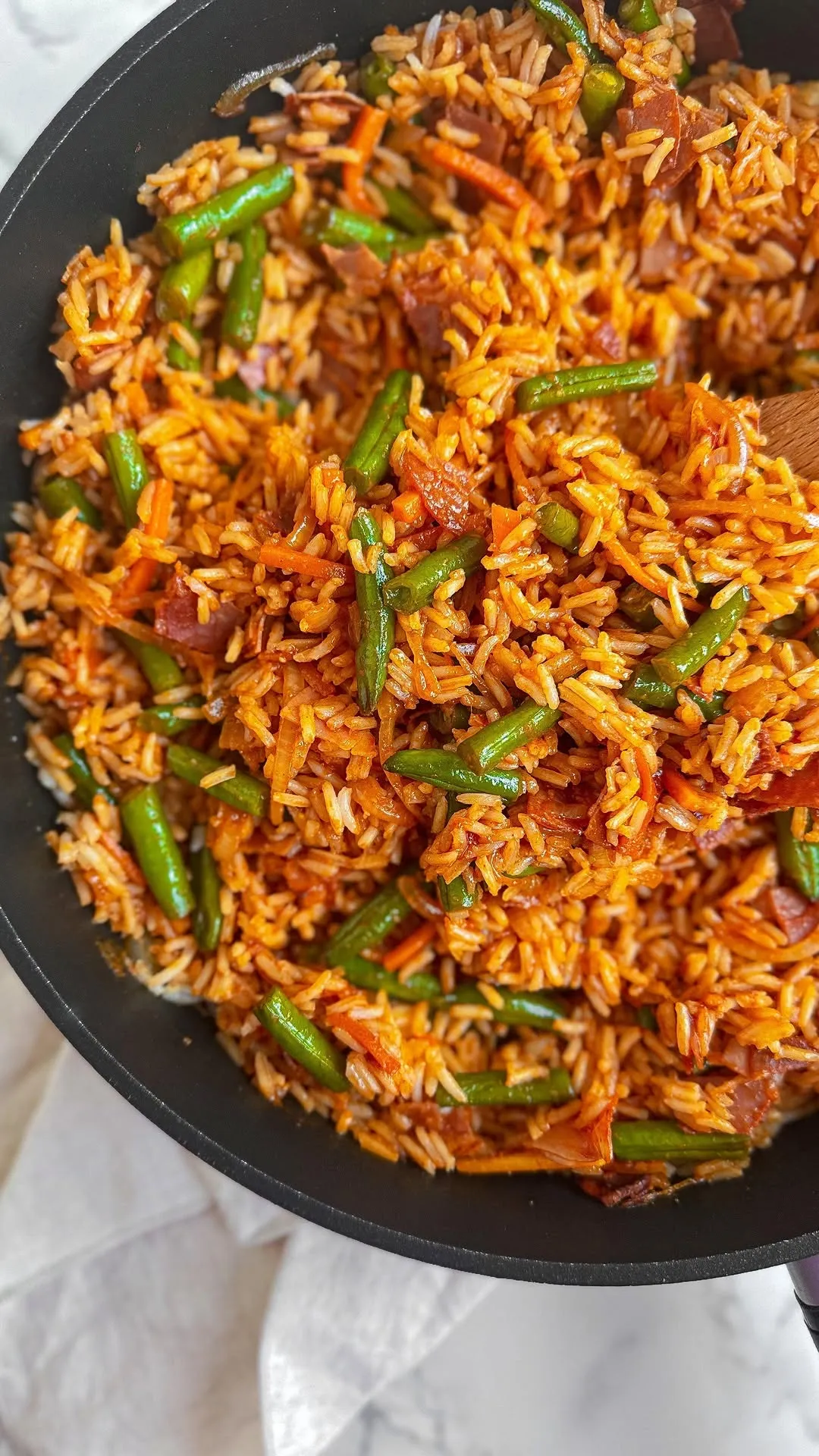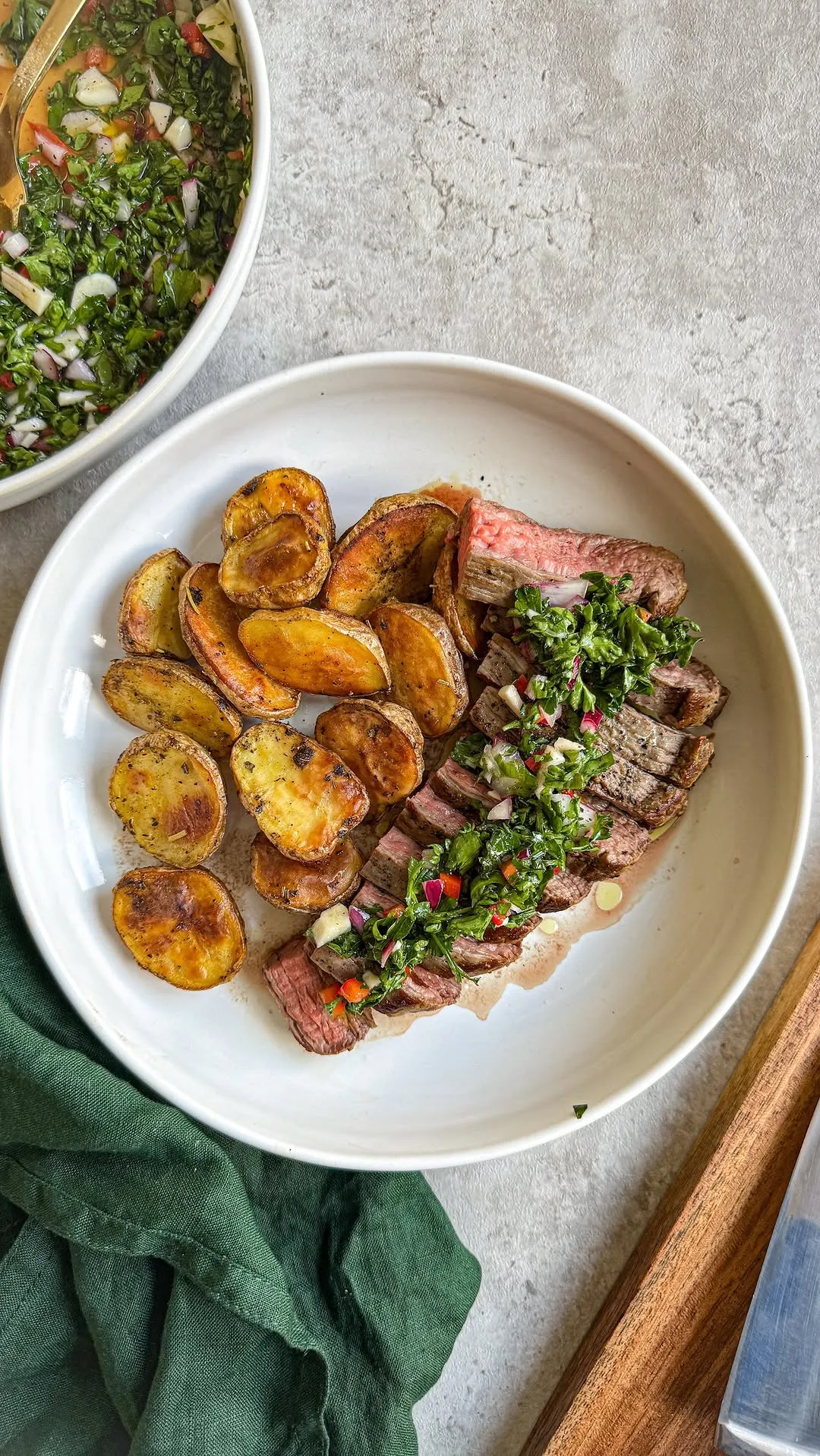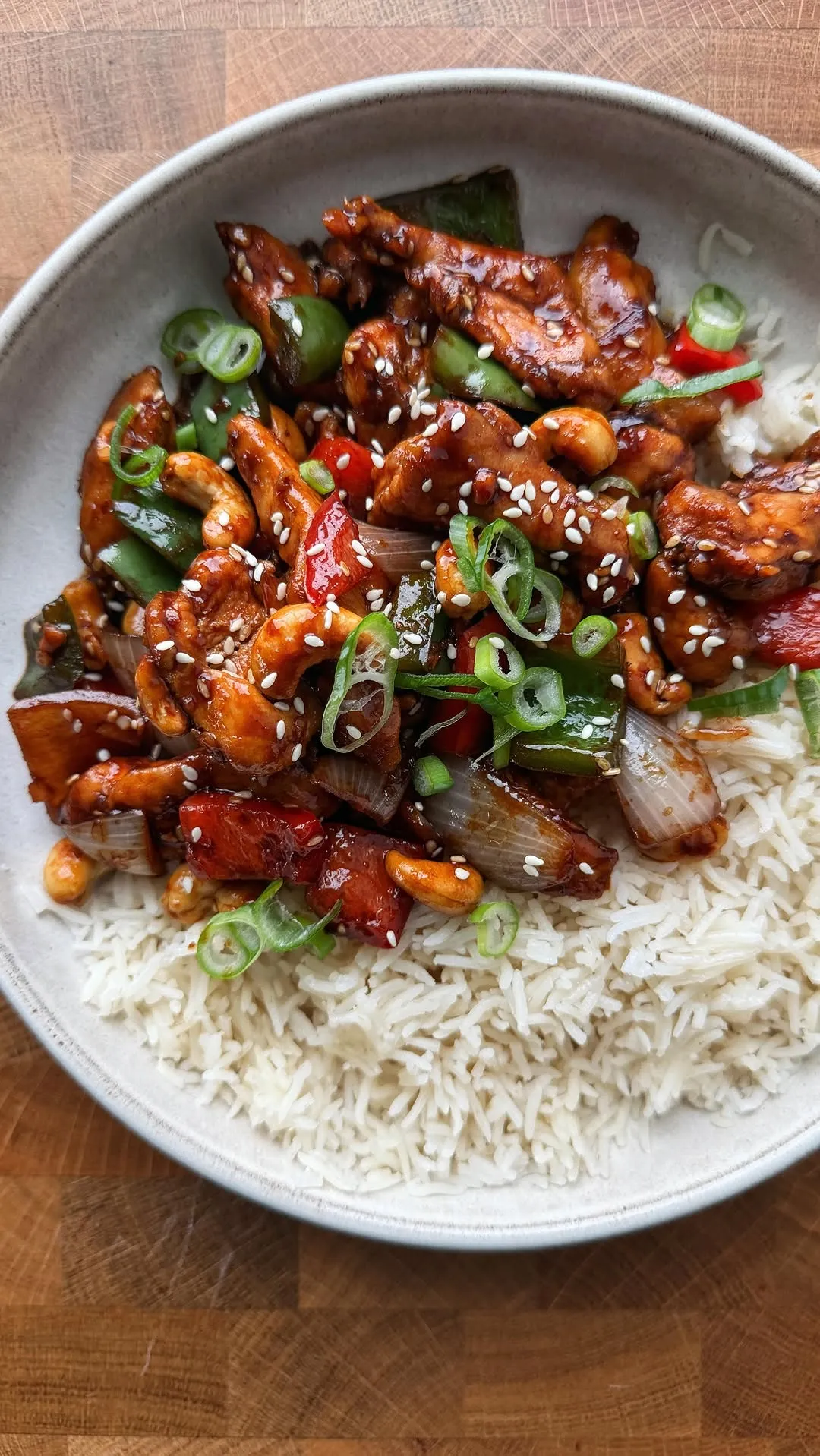
Organize Recipes App: How to Sort Recipes from Videos into Cookbooks
By Peter Sutarik · Updated
The short answer
To organize recipes in an app, keep every recipe in one library as written text with a link back to its video, then sort it into a handful of cookbooks named after meals and occasions. Use tags and filters for everything else, such as an ingredient or how long a dish takes, so a recipe never needs a second copy.
Why video recipes are hard to keep organized
Most lists of recipe apps compare features. The harder part comes after you install one: deciding where each recipe goes so you can find it on a Wednesday at six.
Recipes from videos make that harder, for three reasons. They arrive from several apps, so a Reel sits in Instagram, a Short in a YouTube playlist and a TikTok in your favorites. They arrive without a useful name, because the caption is often a joke or a row of emoji. And the recipe itself is spoken or flashed on screen, so the saved post can't be searched for the ingredient you remember.
Each platform has its own way to sort saves. On Instagram you can tap and hold the bookmark under a post to file it straight into a private collection. On YouTube you can save a video to a playlist and make the playlist private. Both keep the video tidy, but neither turns it into a recipe, and neither knows about the other. Organizing starts with getting everything into one place.
The three layers of an organized recipe app
Whatever app you use, an organized collection has three layers. Mixing them up is the usual reason a system falls apart after a month.
- The library: every recipe you keep, in one list, each one stored once. It should be searchable by title and by ingredient, so typing "gochujang" finds the noodles you saved in spring.
- Cookbooks: a few hand-picked groups that match how you decide what to cook. A recipe can sit in more than one, and most recipes don't need to be in any.
- Tags and filters: labels for things that cut across cookbooks, such as an ingredient, a diet or a cook time. These narrow the library when you are looking for something specific, without creating yet another folder.
How to organize recipes saved from TikTok, Reels and YouTube
Set aside an hour for the first pass. After that, organizing happens in the minute after each new save.
- 1
Pull the recipes into one library
Go through your TikTok favorites, Instagram collections and YouTube playlists, and import only what you would cook in the next month or two. Use the video's Share button to send it to your recipe app, or copy the link and add it there. Our walkthroughs cover TikTok, Instagram and YouTube.
- 2
Rename each recipe after the dish
"Crispy gochujang chicken thighs" is findable a year from now. "This changed my life" or a creator's handle is not. Put the main ingredient and the cooking method in the title.
- 3
Keep the source video with the recipe
Make sure the link to the original post stays attached. You will want it to rewatch how thick the sauce should look, to check an amount that seems off, or to credit the cook when you pass the recipe on.
- 4
Make four to six cookbooks, no more
Name them after meals and occasions you actually cook for. The next section has a starter set. Add a recipe to a cookbook only when you know it belongs there.
- 5
Tag for what cookbooks can't hold
Add short, lowercase tags for things you search by: a protein, a diet, "freezer", "one pan". Reuse the same words every time, so "veg", "veggie" and "vegetarian" don't split one group into three.
- 6
Clear out the originals
Once a recipe is in your library, remove it from the platform's saved list. Two copies mean you never know which one has your notes.
Cookbooks by meal and occasion: a starter set
Sorting by cuisine or by platform looks neat but rarely matches the question you are asking. "What's for dinner on a weeknight" and "what do I bring on Saturday" are the questions, so build cookbooks around them.
- Weeknight dinners: dishes that go from fridge to plate in about half an hour on a normal evening.
- Breakfast and lunchbox: overnight oats, egg bites, wraps and anything that packs well.
- Sides and sauces: the chimichurri, the whipped feta, the slaw. These get lost inside bigger recipes if you don't give them a home.
- Baking and desserts: they are measured more precisely and searched for differently, so keep them apart.
- Hosting: recipes you trust enough to cook for guests, plus a few to try on a quiet night first.
- Seasonal or holiday: one cookbook per occasion you cook for every year, such as Thanksgiving or summer grilling, so you aren't searching the night before.
Keeping it organized after the first week
Organization decays when saving is easy and sorting is a chore. A small routine stops the backlog from coming back.
- Sort on import. Rename and file a recipe right after you save it, while you still remember why you wanted it.
- Mark what you've cooked. A favorite or a Make again cookbook separates trusted recipes from the ones you only meant to try.
- Fix amounts after cooking. If a creator said "a splash", write in what you actually used. The recipe scaler helps when you cooked a half batch, and the kitchen conversions charts help when the video used grams and you cook in cups.
- Prune once a season. Delete recipes you saved more than a few months ago and still have no plans to make. A smaller library is easier to search.
Organizing recipes in ReelMeal
ReelMeal is our app, so read this section as coming from the maker. It runs on iPhone and iPad and was built for recipes that start as videos.
Share a TikTok, Instagram or YouTube video, or a recipe web page, to ReelMeal, and it writes out the title, ingredients with amounts and numbered steps from what the creator says and shows on screen as well as the caption. The link to the original video stays with the recipe. The video to recipe page shows how that works.
Everything lands in one library. Search matches a recipe's title, ingredients, cuisine and tags. The Filter & Sort sheet narrows the list by Favorites Only, platform (TikTok, Instagram, YouTube or Website), difficulty, cook time, cuisine or tag, and sorts it Newest First, Oldest First, A to Z or Quickest. You can edit any recipe to rename it, fix amounts and add your own tags.
Cookbooks hold the meal and occasion groups described above. Create one with a name, an optional description and a color theme, and add a recipe to as many cookbooks as fit. To file a batch at once, touch and hold a recipe, tap Select, pick the others and add them all to a cookbook. From any recipe you can also send the ingredients to a shopping list grouped by aisle.
The first import is free. Unlimited imports and cookbooks are part of ReelMeal Premium, and a Premium member can share a cookbook with family as a view-only link. ReelMeal has no meal planner, no print or PDF export and no Android or web version.
Questions
What is the best way to organize a lot of recipes?
Keep one library rather than several, name every recipe after the dish, and limit yourself to four to six cookbooks based on meals and occasions. Use tags and search for everything else. Most people who struggle have too many folders, not too few.
Is there a free app to organize my recipes?
Several recipe apps have a free tier, usually with limits on imports, cookbooks or devices, and those limits change, so check each app's own site. ReelMeal is a free download with the first import free, and you can type recipes in by hand. Cookbooks and unlimited imports need ReelMeal Premium. Our best recipe apps roundup compares the options.
Should I organize recipes by cuisine or by meal?
By meal and occasion for cookbooks, and by cuisine as a tag or filter. You rarely start cooking by thinking of a cuisine, but you often start with "a quick dinner" or "something for Sunday".
Can one recipe be in more than one cookbook?
In most recipe apps, yes, and in ReelMeal a recipe can be added to as many cookbooks as you like while staying a single recipe in your library. Edits you make show up everywhere it appears.
Is ReciMe or Recipe Keeper better for organizing recipes?
They suit different collections. Our ReciMe comparison sets out what ReciMe's own site says it offers, and the best recipe apps roundup covers Recipe Keeper and others side by side, based on each app's own published details.