
How to make a digital cookbook
A digital cookbook is your recipes in one place you can search and cook from. There are three ways to make one: a recipe app, a doc or template, or a designed PDF. Which one fits depends on what the cookbook is for.
Cookbooks
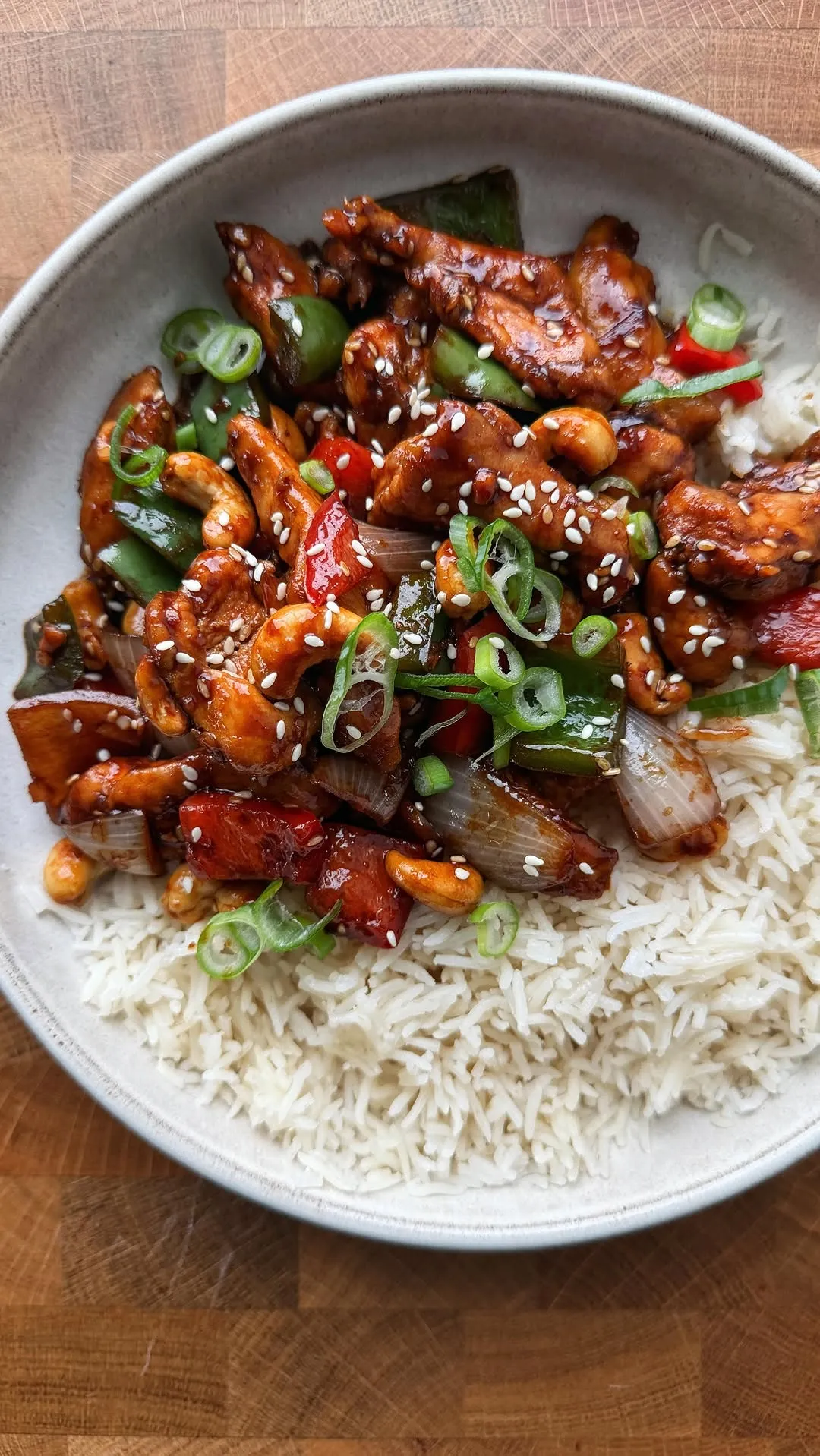 35 min
Honey Cashew Chicken
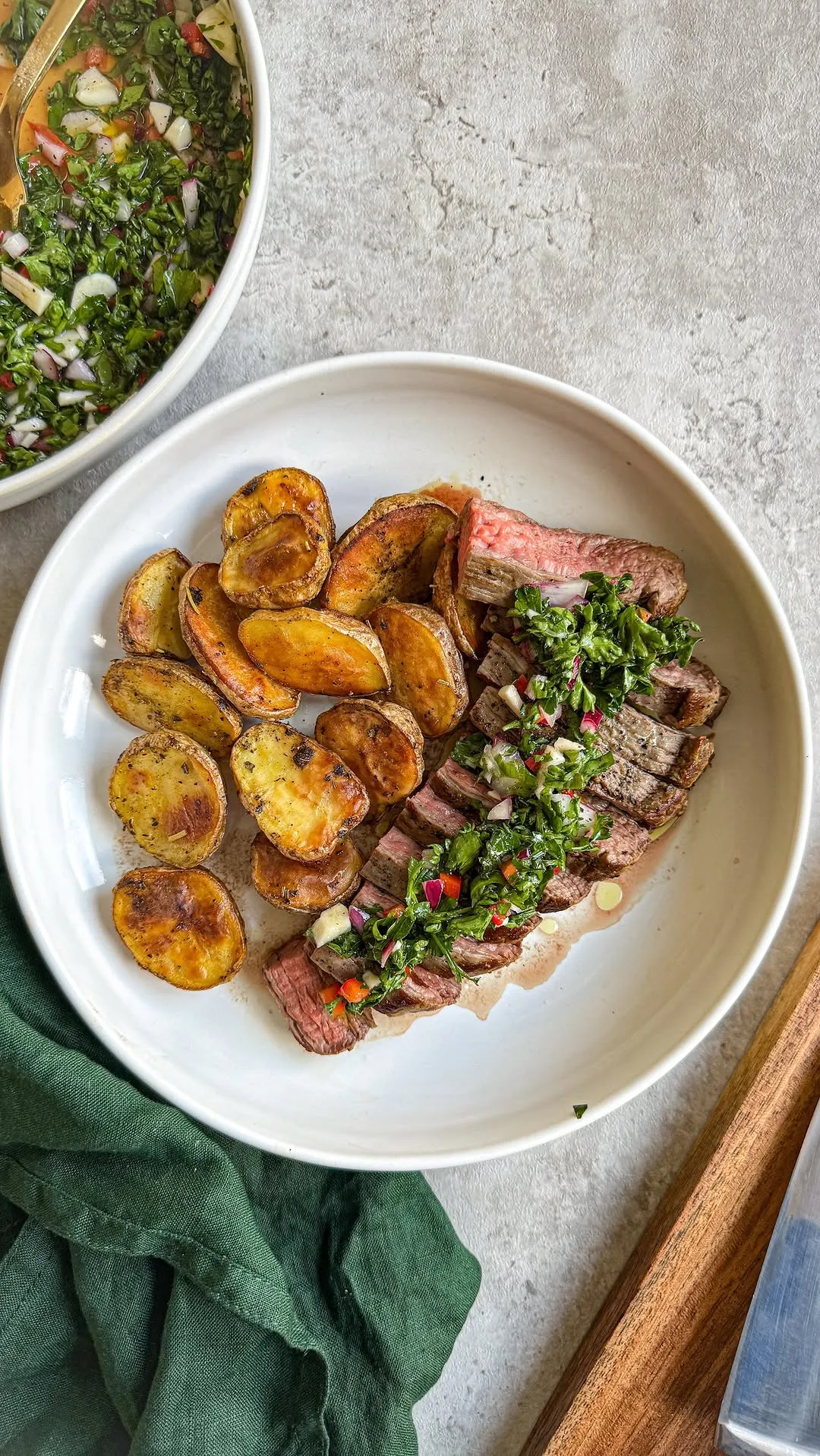 40 min
Steak with Chimichurri
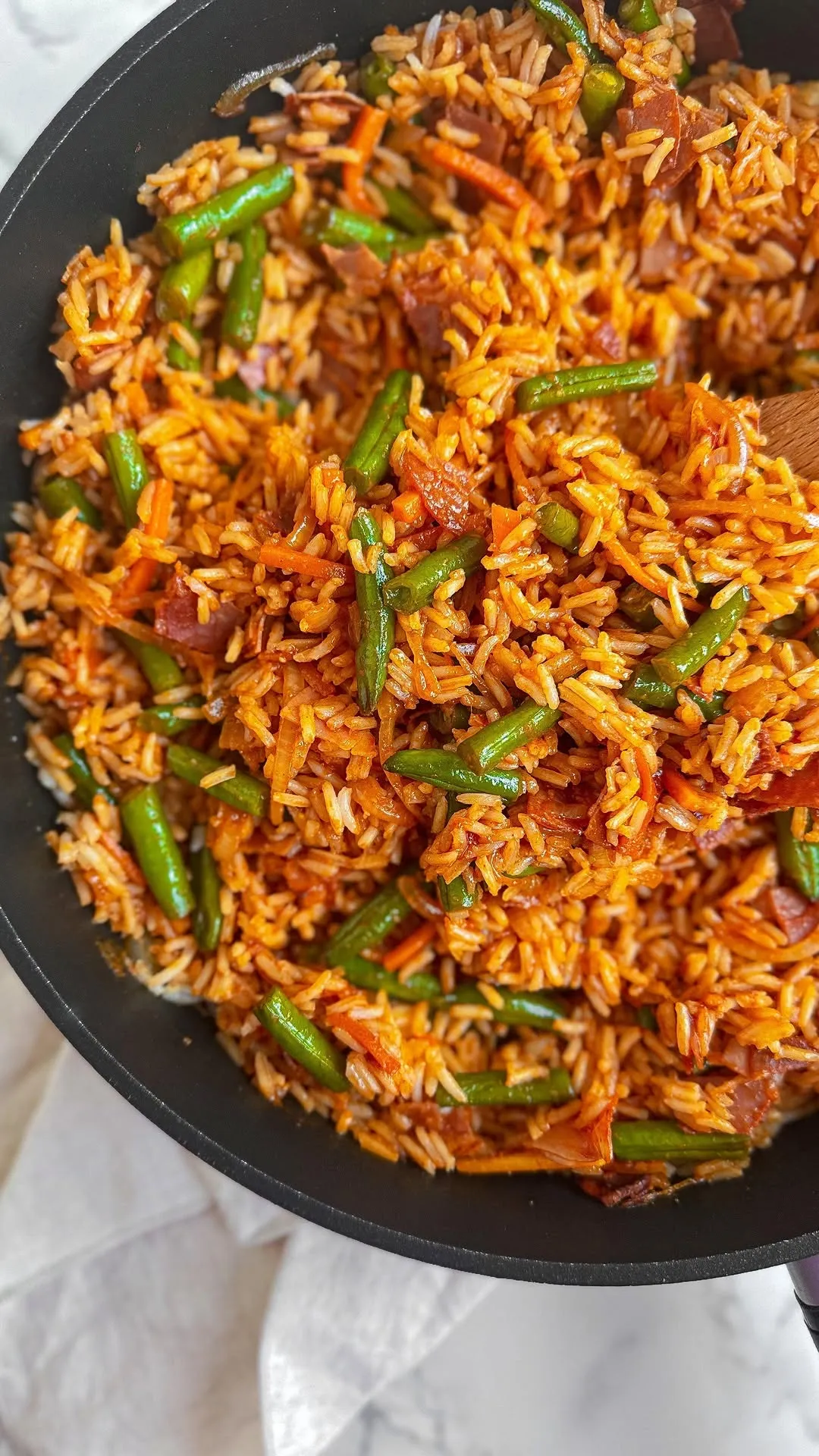 25 min
One-Pan Tomato Fried Rice
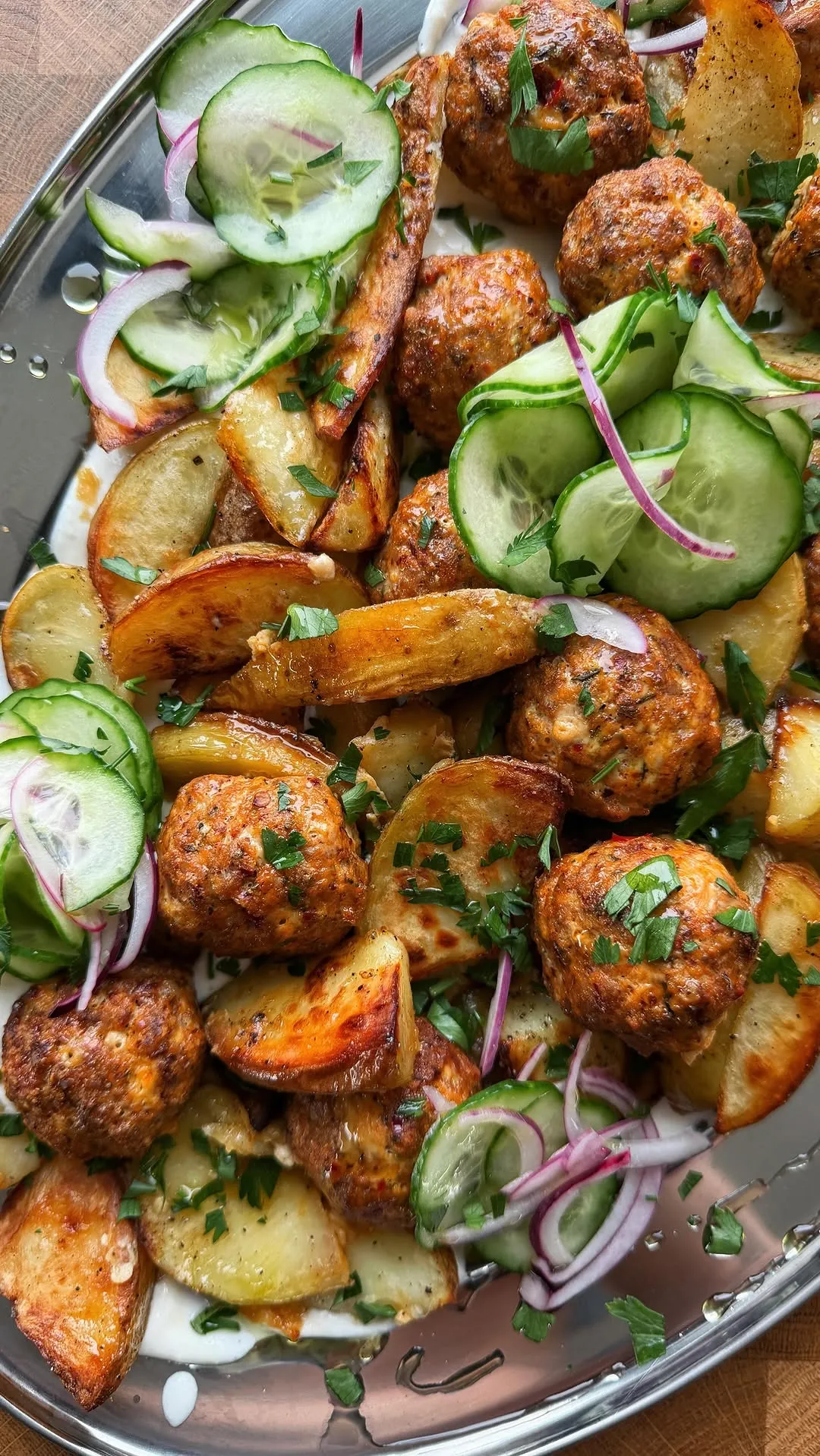 45 min
Harissa Meatballs with Whipped Feta
Pick the format by what it is for
- A recipe app
A cookbook you cook from every week.
- A doc or template
Typing up family recipes for free and editing them together.
- A designed PDF
A gift, a family keepsake, or a cookbook to sell.
| Format | Best for | Getting recipes in | At the stove | Sharing | The catch |
|---|---|---|---|---|---|
| A recipe appReelMeal, Paprika, Mela, Recipe Keeper | A cookbook you cook from every week | Import from a link or a photo, or type it in | A cooking mode, servings you can scale | Depends on the app. ReelMeal shares a cookbook as an iCloud link | Your recipes live inside one app, laid out its way |
| A doc or templateGoogle Docs, Notion, a GoodNotes recipe template | Typing up family recipes for free and editing them together | Type or paste every recipe yourself | Scrolling a long document with messy hands | Share the link and everyone can edit | Nothing fills itself in, and there is no shopping list |
| A designed PDFA Canva cookbook template, then a print service if you want paper | A gift, a family keepsake, or a cookbook to sell | Type each recipe into a page layout | Fine on a tablet, or print it | Send the file or print copies | The most work to make and the hardest to update |
A recipe app: for a cookbook you cook from
If the point is to cook from your recipes every week, use an app. You import a recipe instead of typing it, search the whole collection in a second, and cook from a screen built for the stove. Most recipe apps also turn the recipes you pick into a shopping list.
ReelMeal is our app, and it fits best when your recipes come from cooking videos. It listens to the creator, reads the text on screen and looks at the frames, so a TikTok with nothing in the caption still comes back with amounts and steps. Here is how to build a cookbook in it.
- 1
Install ReelMeal on your iPhone or iPad
It is a free download. Recipes sync between your devices through your own iCloud account and open without a connection.
- 2
Bring your recipes in
Share a TikTok, Instagram or YouTube video, or a recipe website, to ReelMeal from the share sheet, or paste the link. Photograph a printed or handwritten recipe, up to five photos per recipe. Type the rest in by hand.
- 3
Check each recipe once
Fix any amount that looks off, add a note like “used half the chili”, and swap the photo if you like. Recipes from videos keep a link to the original, so you can watch the creator make it again.
- 4
Sort them into cookbooks
Make a few cookbooks, such as Weeknights, Baking or Grandma's, and add recipes to them. A recipe can sit in more than one. Cookbooks are part of ReelMeal Premium and need Sign in with Apple.
- 5
Cook and shop from it
Cooking mode shows one step at a time and keeps the screen awake. Add the week's recipes to the shopping list and the ingredients are merged and grouped by aisle.
Once it is in, search finds a recipe by title, ingredient, cuisine or tag, and filters narrow it to favorites, quick dinners or easy ones. See how video to recipe works and how the shopping list merges ingredients.
What ReelMeal doesn't do
- It runs on iPhone and iPad only. There is no Android, Mac or web app.
- It has no meal planner.
- It can't print a cookbook or export one as a PDF. You can send a single recipe as a web link.
- The first import is free. Cookbooks and unlimited imports need Premium, priced in the app.
If most of your recipes come from food blogs, or someone in your house uses Android, another app may suit you better. Our roundup of the best recipe apps compares nine, including Paprika, Mela and Recipe Keeper.
A doc or template: free, and anyone can edit
A shared document is the simplest digital cookbook. It costs nothing, works on any device, and suits a family typing up recipes that only exist on cards. The trade-off is that every recipe is typed or pasted by hand, and nothing turns a cooking video into text for you.
Google Docs
One document, one heading per recipe. Insert a table of contents and every recipe becomes a link at the top. Share it with family as editors.
Notion
A database with one page per recipe and fields such as course, time and source. Filter by any field, and share the page with the people who cook with you.
A tablet notebook template
Digital recipe book templates for GoodNotes or Notability give you tabbed sections to write in by hand on an iPad. Good if you like the feel of a paper notebook.
Whatever you use, give every recipe the same layout: title, servings, ingredients with amounts, numbered steps, and where it came from. That makes a long document easy to scan at the stove.
A designed PDF: for a gift or a printed book
If you want something to give, print or sell, design it. Canva has cookbook and recipe book templates: pick one, put one recipe on each page, add photos, and export a PDF. Print it at home, or upload the PDF to a print-on-demand or photo book service for a bound copy. For a family keepsake, scan the original handwritten cards and put them next to the typed recipe.
ReelMeal isn't the right tool for this. It is made for cooking from your phone, and it has no print or PDF export. It still helps with the collecting: save and test recipes in ReelMeal, then type the ones that earned a place into the book.
How to organize a digital cookbook
These work in an app, a doc or a PDF.
Sort by how you cook
Weeknights, make-ahead, baking and for guests are easier to use than Italian, Mexican and Thai. You open the cookbook with a situation in mind, not a cuisine.
Keep where it came from
The video, the website or the person who gave you the recipe. When something goes wrong you can check the source, and it is half the fun of a family cookbook.
Fix it after the first cook
Write the real amounts and timings back into the recipe. A cookbook is worth more when every recipe in it has been made at least once.
Delete what you won't cook
Forty recipes you make beat nine hundred you saved. Prune every few months.
Most of your recipes saved as TikToks? Start with how to save recipes from TikTok.
Questions
What is a digital cookbook?
It is your recipes kept in one place on a phone, tablet or computer, instead of on cards, in screenshots or in saved videos. It can be a recipe app, a shared document or a designed PDF. What makes it a cookbook is that you can find a recipe in seconds and cook from it.
What is the best app for a digital cookbook?
It depends on where your recipes come from. If they are mostly TikTok, Instagram and YouTube videos, ReelMeal turns the video itself into a written recipe. If they are mostly from food blogs, or someone in the house uses Android or Windows, Paprika and Recipe Keeper run there too. Our roundup of the best recipe apps compares nine of them.
Can I make a digital cookbook for free?
Yes. A Google Doc or a Notion page costs nothing if you are happy to type every recipe. ReelMeal is a free download: your first import is free and you can type recipes in by hand. Cookbooks and unlimited imports are part of ReelMeal Premium, and pricing is shown in the app.
Can I share a digital cookbook with my family?
Yes. In ReelMeal, a Premium member can share a cookbook through an iCloud link, and the people they invite open it in their own copy of ReelMeal after signing in with Apple. If several people need to edit the same recipes, a shared Google Doc is simpler.
How do I turn handwritten family recipes into a digital cookbook?
Photograph each card and import it into a recipe app that reads the text for you. ReelMeal takes up to five photos per recipe, so a recipe that runs over two cards comes in as one. If the goal is a printed family cookbook, type the recipes into a Canva template instead and add scans of the original cards to the pages.
Can I print my ReelMeal cookbook or export it as a PDF?
No. ReelMeal has no print or PDF export; it is built for cooking from your iPhone or iPad. You can send a single recipe as a web link. For a printed cookbook, collect and test recipes in ReelMeal, then type the keepers into a Canva template or a print service's layout.
Do my recipes work offline?
In ReelMeal, yes. Saved recipes are stored on your device, so they open without a connection. Importing a new recipe needs the internet.
Does ReelMeal work on Android or a computer?
No. ReelMeal runs on iPhone and iPad with iOS 18.2 or later, and syncs between them through your iCloud account. If you need Android, Windows or a web app, see the other apps in our roundup.