Recipe Keeper: How to Keep Recipes From Videos, Links and Screenshots in One Place
By Peter Sutarik · Updated
The short answer
A recipe keeper is one place that holds every recipe you cook as written text: ingredients with amounts, numbered steps and a link to where it came from. If most of your recipes start as cooking videos, pick a keeper that turns a TikTok, Reel or YouTube link into that text for you, then sort the results into a few cookbooks.
What a recipe keeper has to handle now
The classic recipe keeper was a tin box of index cards, and later an app where you typed those cards in or clipped a page from a food blog. Both assume the recipe already exists as text somewhere.
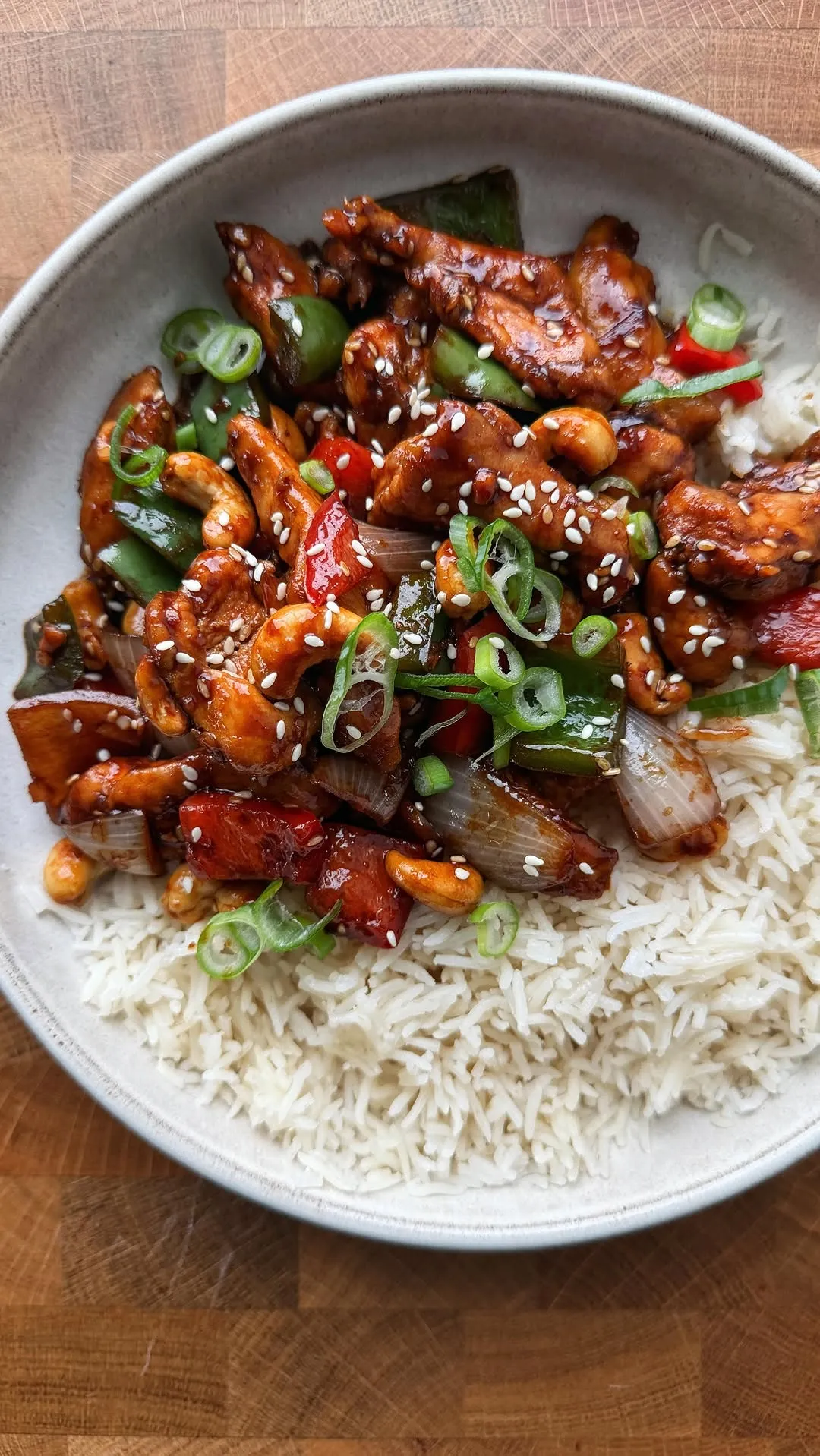
A lot of recipes no longer do. A creator talks you through a chicken stir-fry in forty seconds, shows the sauce amounts on screen for a moment and leaves the caption as a row of emoji. Saving that video keeps the video, not the recipe. When you want to cook it, you are back to scrubbing through it with oily fingers, trying to catch whether that was one tablespoon of soy sauce or two.
Saved videos can also disappear. YouTube's own playlist policy asks people to clear removed or deleted videos out of their public playlists, which tells you how often a saved list ends up with gaps. A keeper that stores the written recipe keeps working after the post is gone.
What to look for in a recipe keeper
Most recipe keepers handle typed and web recipes well. The differences show up with everything else, so test an app with the recipes you actually have before you commit to it.
- Import from the places your recipes come from. If your saves are mostly TikTok, Instagram and YouTube, check that the app reads the video itself, meaning the spoken words and on-screen text, and not only the caption. Many video recipes have nothing useful in the caption.
- Ingredients and steps as separate parts. A keeper that stores a recipe as one block of text can't scale it or send the ingredients to a shopping list.
- A link back to the source. You will want to rewatch a technique, check a step you doubt or credit the cook.
- Search by ingredient. You often remember the dish by what was in it, so searching "orzo" or "chickpeas" should find it.
- Photos and manual entry. Family recipe cards and screenshots belong in the keeper too, so it should read a photo or at least let you type a recipe in.
- Offline access. Kitchens and grocery stores have bad signal, so saved recipes should open without a connection.
- Platforms you use. Some keepers run everywhere, others only on Apple devices. If someone in your house uses Android or Windows, that decides it.
- Room to fix things. Video creators say "a splash" or "some garlic", so you need to be able to edit amounts after the first cook.
How to set up a recipe keeper for video recipes
The setup is the same whichever app you choose. Plan on an evening for the first batch, then a minute per recipe after that.
- 1
Pick ten recipes you would cook this month
Go through your TikTok favorites, Instagram saves, YouTube playlists and screenshots, and take only the ones you would really make soon. Importing hundreds of saves on a whim just moves the clutter.
- 2
Import each one from its link
Open the video, use the app's Share button and send it to your keeper, or copy the link and add it inside the keeper. For a recipe in a screenshot, import the photo. On an iPhone XS or XR or later, Live Text also lets you touch and hold a word in a photo and copy the text out.
- 3
Check the amounts before you save
Compare the ingredient list against the video once. If the creator never said an amount, write in your best guess and mark it, so you know to adjust it after cooking.
- 4
Rename it after the dish
"Garlic butter salmon with rice" is findable in a year. "Viral dinner" or a creator's handle is not.
- 5
File it into a cookbook
Put the recipe in one or two cookbooks right away, while you still know why you saved it. The next section covers which cookbooks are worth having.
- 6
Correct it after the first cook
Change what didn't work. If you made half a batch, the recipe scaler works out the numbers, and the kitchen conversions charts help when a creator uses grams and you cook in cups.
How to organize a recipe keeper into cookbooks
Cookbooks only help if they match the way you decide what to cook. Sorting by cuisine sounds tidy, but on a Tuesday evening you rarely think "something Thai". You think "something fast with the chicken in the fridge".
Start with four or five cookbooks and add more only when one gets too long to scroll. These tend to work:
- Weeknight: under about thirty minutes from start to plate.
- Make again: recipes you have cooked and would cook again, which over time becomes your real cookbook.
- To try: everything new, so untested recipes don't clutter the ones you trust.
- Meal prep or freezer: dishes that hold up for a few days.
- Baking or desserts: these are cooked differently and searched for differently, so they are easier to keep apart.
- Family: recipes handed down on cards or texted to you, kept together so they don't get lost among the videos.
Using ReelMeal as a recipe keeper
ReelMeal is our app, so read this section as coming from the maker. It runs on iPhone and iPad only, and it was built for the video problem described above.
You share a TikTok, Instagram or YouTube video, or a recipe web page, to ReelMeal from the share sheet, or copy the link and add it in the app. It writes out the title, the ingredients with amounts and numbered steps, working from what the creator says and the text on screen as well as the caption. The video to recipe page shows how that works, and there are walkthroughs for TikTok, Instagram and YouTube.
Each saved recipe keeps a link to the original video. Search matches title, ingredient, cuisine and tag. Recipes are stored on your device, so they open offline, and they sync between your iPhone and iPad through iCloud. You can also import a recipe from photos, up to five per recipe, or type one in by hand.
From any recipe you can send the ingredients to a shopping list grouped by aisle, and scale a recipe's servings up or down. The first import is free. Unlimited imports and cookbooks are part of ReelMeal Premium, and a Premium member can share a cookbook as a view-only link with family.
What it doesn't do: there is no meal planner, no print or PDF export, and no Android, Windows or web version. If you need any of those, our roundup of recipe apps compares the alternatives, including the app called Recipe Keeper.
Bringing in paper cards, screenshots and old bookmarks
A recipe keeper is only useful if it holds everything, but moving everything at once is how people give up halfway. Clear the backlog gradually instead.
- Paper cards: photograph each card in good light, flat on the counter, and import the photo. Keep the photo of a handwritten card even after the text is in, because the handwriting is part of why you kept it.
- Screenshots: a screenshot of a full written recipe can be imported as a photo. A screenshot of a finished dish with no method is only worth keeping if you can still find the post.
- Browser bookmarks: import the page while it is still online, since a bookmark is only an address.
- Platform saves: next time you open an old TikTok or Reel to cook from it, import it first. The backlog then clears itself through use.
- Delete the original save once the recipe is in your keeper, so you never wonder which copy has your corrections.
Questions
What is the best recipe keeper app?
It depends on where your recipes start. If most are TikTok, Instagram and YouTube videos, choose a keeper that reads the video itself, such as ReelMeal. If they are mostly from food blogs, or you need Android or Windows, other apps fit better. Our best recipe apps roundup compares them side by side.
Is a recipe keeper app free to use?
Many have a free tier or a free trial with limits on imports or features, and the limits change, so check each app's own site. ReelMeal is a free download with your first import free, and you can type recipes in by hand. Cookbooks and unlimited imports need ReelMeal Premium.
How do I create a recipe cookbook?
Collect the recipes you actually cook in one recipe keeper, then group them into a few cookbooks such as Weeknight, Make again and To try. If you want a printed or designed book instead, the digital cookbook guide covers templates and PDFs.
Can I keep recipes without an app?
Yes. A notes app or a shared document works if you are willing to type every recipe, including pausing videos to copy down amounts. You lose ingredient search, scaling and a shopping list, but nothing depends on someone else's post staying online.
Is ReciMe worth it as a recipe keeper?
It depends on the same things as any keeper: where your recipes come from, which devices you use and whether the free plan's limits suit how often you save. Our ReciMe comparison sets out what its own site says about the free plan and how it differs from ReelMeal.