 Guides
How to save recipes from TikTok on iPhone
Turn any TikTok cooking video into a written recipe with ingredients and steps in a few taps on iPhone, and why TikTok’s own bookmark isn’t enough.
Updated September 11, 2026
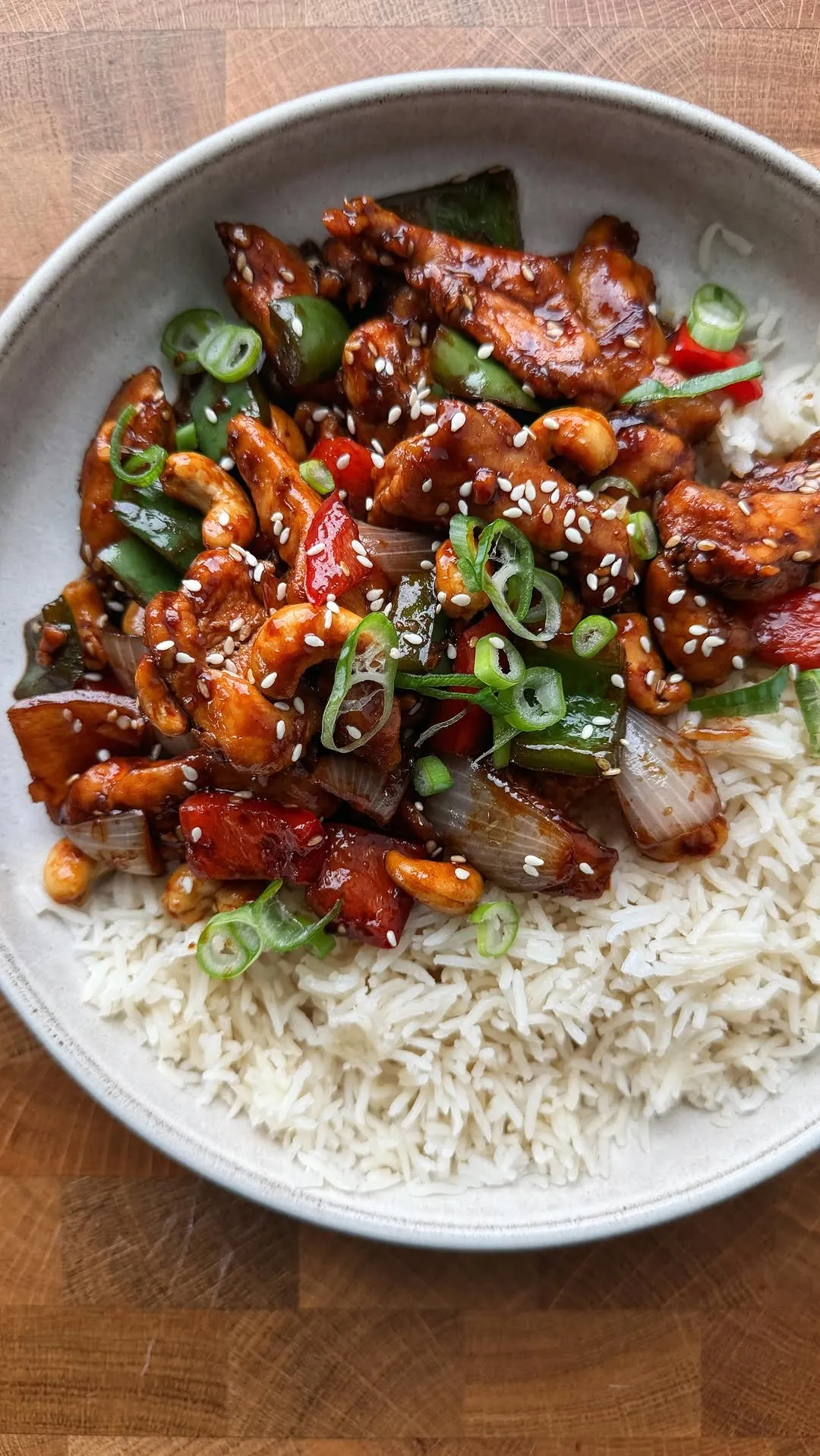 ♥
♥Honey Cashew Chicken
Sticky, crunchy 20-minute stir-fry
- 500 gchicken thighs
- 100 groasted cashews
- 3 tbsphoney
- 60 mlsoy sauce
- 3 clovegarlic
- 1 tbspfresh ginger
You found a pasta recipe on TikTok, tapped the bookmark, and now it lives somewhere in a pile of two hundred saved videos with no ingredient list. When you finally want to cook it you pause, scrub back, pause again and try to read the quantities off a caption that scrolls by in a second.
Here is the fast way to keep TikTok recipes as actual recipes on your iPhone. It takes four taps, and you end up with ingredients, steps and a shopping list instead of a video you have to decode every time.
Save a TikTok recipe in four taps
- 1
Open the video in TikTok and tap Share
The share arrow sits on the right side of the video, under the comments icon. It opens TikTok’s own share tray first.
- 2
Choose ReelMeal from the share sheet
Scroll the row of apps and tap ReelMeal. If you don’t see it yet, tap More, then Edit, and add ReelMeal to your favourites so it’s always first. You can also tap Copy link and paste it into ReelMeal instead.
- 3
Review the recipe ReelMeal wrote
In about fifteen seconds you get a title, the ingredient list with quantities, and numbered steps. ReelMeal listens to the audio, reads any on-screen text and looks at the frames, so it works even when the caption only says “recipe in the comments”. Fix anything you like, then tap Save.
- 4
Cook it, or shop for it
Open the recipe and tap Start Cooking for a hands-free, step-by-step mode, or add the ingredients to your shopping list with one tap. The original video stays linked, so you can always watch the creator make it.
Why TikTok’s bookmark isn’t enough
TikTok’s Favorites tab saves the video, not the recipe. There is no ingredient list, no way to scale servings and nothing to check off in the supermarket. The list also has no folders that mean anything to a cook, so “tonight’s dinner” sits next to a haul video and a sourdough tutorial you saved in 2024.
Videos also disappear. Creators delete posts, accounts go private and songs get muted, taking the audio instructions with them. A saved recipe in ReelMeal is yours regardless of what happens to the original.
Finally, cooking from a phone that keeps locking and looping a 40-second video is miserable. A written recipe with big steps you can move through with a wet finger is what you actually want at the stove.
Tips for better imports
Videos where the creator says the quantities out loud, or shows them as on-screen text, come through most accurately. When a creator only says “a splash of cream”, ReelMeal keeps the wording so you can decide, and the sous chef can suggest a sensible amount.
If a recipe is split across several videos, import each part and merge them in ReelMeal by copying steps across, or ask the sous chef to combine them.
For a recipe you cook every week, add it to a cookbook and share the cookbook with your household so everyone has the same version and the same shopping list.
Questions
Can I save TikTok recipes without a TikTok account?
Yes. As long as you can open the video link, you can paste it into ReelMeal. Logged-out TikTok links from a browser work too.
Does it work for TikTok videos with no caption?
Yes. ReelMeal transcribes what the creator says and reads text shown on screen, so a caption is helpful but not needed.
Is saving TikTok recipes free?
You can download ReelMeal and import a recipe for free. Unlimited imports are part of the subscription, with pricing shown in the app.
Will the original creator be credited?
Every imported recipe keeps a link back to the original TikTok video and the creator’s handle, so you can watch it again or share it.