Turn any cooking video into a recipe
You saw it on TikTok, Reels or YouTube and the recipe is nowhere in the caption. Share the video to ReelMeal and get it back as ingredients with amounts, numbered steps and timings, ready to cook from.
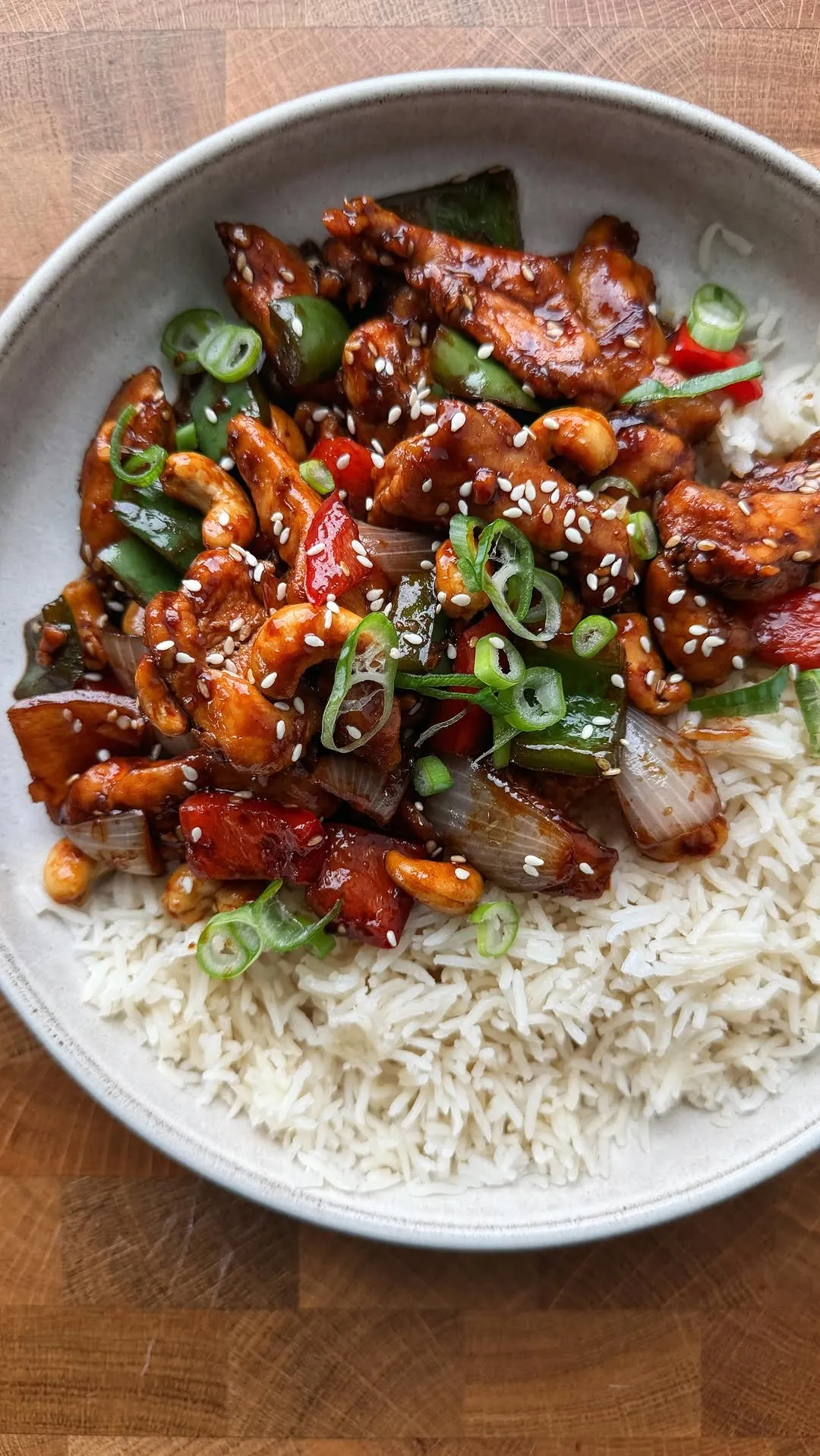 ♥
♥Honey Cashew Chicken
Sticky, crunchy 20-minute stir-fry
- 500 gchicken thighs
- 100 groasted cashews
- 3 tbsphoney
- 60 mlsoy sauce
- 3 clovegarlic
- 1 tbspfresh ginger
Works where you find recipes

TikTok
Any public video, including ones where the recipe is only spoken, never written in the caption.

Reels and posts. Carousel recipes and recipes buried in long captions both work.

YouTube
Full videos and Shorts. Handy for long videos where the amounts are scattered across ten minutes.
Recipe websites and photos of cookbook pages work the same way.
Why captions alone miss the recipe
Most recipe extractors read the text attached to a post. On short-form video that text is often a hook and a few hashtags, while the actual recipe lives in the voiceover and the overlays. A tool that only reads the caption comes back empty, or with half the ingredients.
ReelMeal combines four sources before it writes anything down:
- 1
What the creator says
ReelMeal transcribes the audio, so “two tablespoons of soy, a splash of rice vinegar” becomes a line in the ingredient list.
- 2
What is written on screen
Text overlays often carry the amounts the voiceover skips. Those are read too.
- 3
The caption and description
When a creator does post the recipe, it is used, and checked against what the video shows.
- 4
What the video shows
Frames fill in steps that are only demonstrated, like the moment the onions go in or when the pan comes off the heat.
What you get back
- An ingredient list with amounts and units, which you can switch between metric and US measures.
- Numbered steps written out in full, with times and temperatures where the video gives them.
- Prep time, cook time, servings and a photo, plus a link back to the original video so the creator keeps the credit.
- A cooking mode with big steps and timers, and a shopping list that adds the ingredients for you.
How to do it
Open the video, tap Share, and choose ReelMeal. If ReelMeal isn't in the row of apps, scroll to More and add it once. The step-by-step guides cover each app: TikTok, Instagram and YouTube.
Planning a few meals at once? Every recipe you import can go straight into one grocery list.
Questions
Can I get a recipe from a TikTok that has no recipe in the caption?
Yes. That is the main reason ReelMeal exists. It works from the audio, the on-screen text and the video frames, so a video where the creator only talks through the recipe still comes back with ingredients and steps.
How long does it take to turn a video into a recipe?
Usually well under a minute. You share the video, ReelMeal works in the background, and the recipe appears in your library when it is ready.
Is the recipe always exact?
It is as exact as the video. When a creator says “some garlic” and never gives an amount, ReelMeal can't know what they used, so skim the ingredient list once before you cook and edit anything that looks off.
Is there a free video to recipe converter?
ReelMeal is free to download and your first import is free. Pricing for unlimited imports is shown in the app.
Is this a website tool or an app?
An iPhone and iPad app. You don't copy links into a website; you tap Share on the video in TikTok, Instagram or YouTube and pick ReelMeal from the share sheet.
Does it work with recipe websites and photos too?
Yes. Share a recipe web page and ReelMeal keeps only the recipe, without the life story and ads. You can also import a photo of a cookbook page or a recipe card.